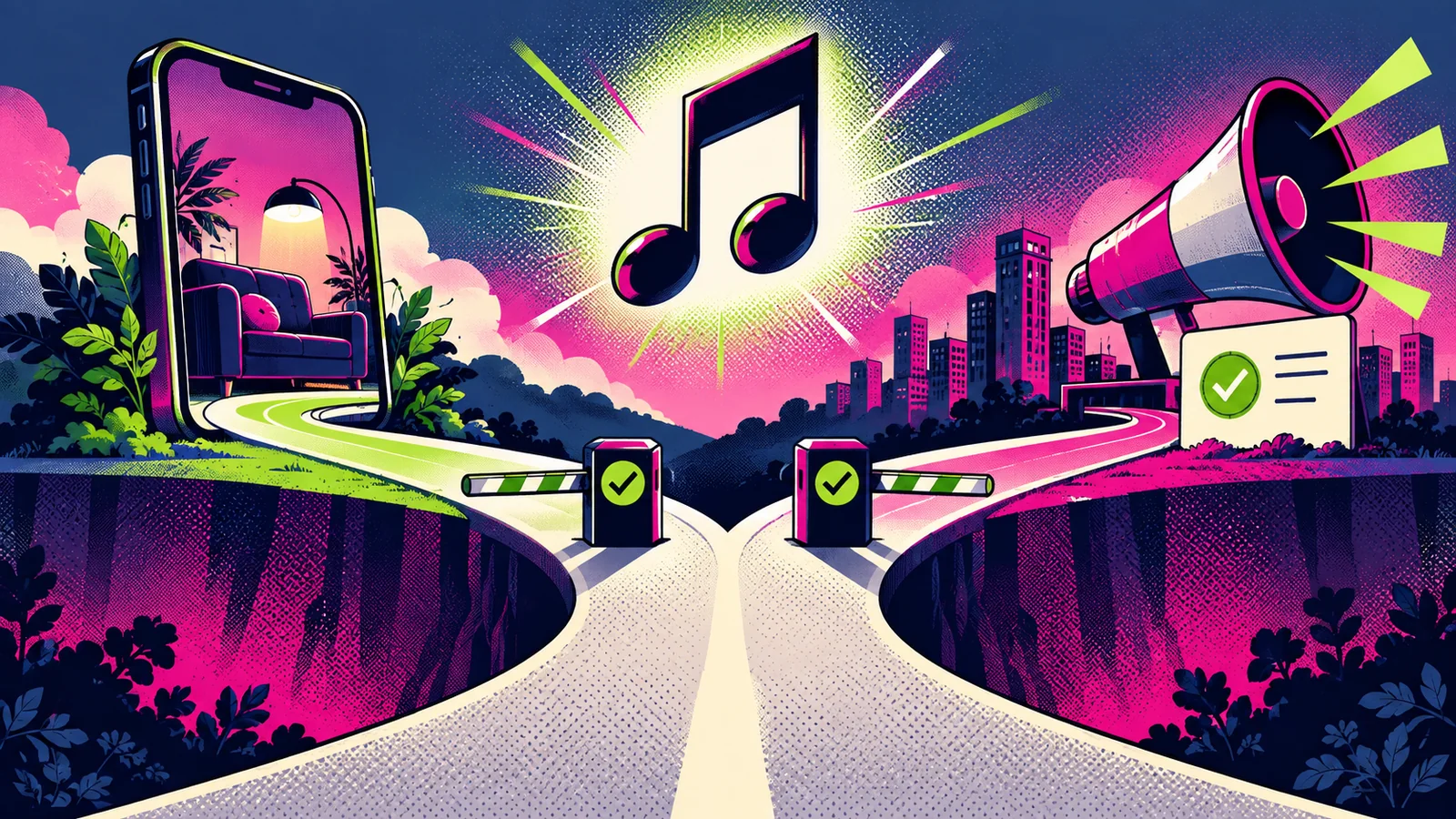
YouTube offers several legitimate music paths, but they are not interchangeable. Long-form videos, Shorts made with in-product tools, externally edited Shorts, Audio Library tracks and third-party licenses can produce different rights and claim outcomes. Build the music decision around the exact upload.
YouTube features and policies change. Verify current Help documentation and the license attached to every track. A platform claim is not legal advice, and this guide is not a substitute for it.
Choose the upload path first
Classify the video:
- long-form upload;
- Short created with YouTube's tools;
- Short edited outside YouTube;
- video using YouTube Audio Library music;
- video using Creator Music where available;
- video using an original or third-party licensed track;
- sponsored, client or paid-media asset.
YouTube explains that eligible copyrighted music can be added through the in-product Shorts audio library under Shorts-specific arrangements. If a creator adds a protected song outside those tools, the upload can receive standard Content ID claims or a removal request.
Distinguish a claim from a strike
YouTube's documentation distinguishes Content ID claims from copyright removal requests and strikes. A claim can monetize, track or block a video according to the rights holder's policy; it usually affects the video rather than the channel. A valid removal request can remove content and create a strike.
Do not dispute automatically. Open the claim, identify the claimant, track and time range, then compare them with the actual asset and license. The platform notes that Content ID does not know about rights purchased elsewhere.
For Shorts longer than one minute, current YouTube guidance says an active claim of any type blocks the Short globally until resolved. That makes a clean master and early rights check especially important.
Use YouTube Audio Library carefully
YouTube describes music and effects from its Audio Library as copyright-safe for YouTube. Some tracks use a Creative Commons license and require the supplied attribution; others are listed as not requiring attribution. Copy the exact attribution where required and retain track details.
YouTube also warns that only material from the official Audio Library is known to it as copyright-safe. A YouTube channel calling its uploads “no copyright” is not the same source.
Do not assume the Audio Library permission answers off-platform use. Review the applicable license before using the track in another destination.
Understand Shorts music tools
YouTube's Shorts tools offer eligible audio and remix options, with attribution to source content and track-specific duration or availability. Rights holders and original creators may limit remixing; changes to the source can affect existing remixes.
If you need a stable cross-platform asset, use owned or independently licensed music and preserve a clean master. If the music is added inside Shorts, treat that as a YouTube-specific version.
Review third-party licenses
Confirm that the license covers synchronization with video, YouTube, monetization, your channel or client, territory, duration, edits, advertising and continued publication after a subscription ends. If Content ID registration is expected, complete channel whitelisting or project registration before upload.
Save:
track and asset ID:
composition / recording information:
supplier and account:
license version and receipt:
channel / client:
monetized, sponsored or paid use:
registration / whitelist:
attribution:
upload and review dates:
Mix for comprehension
Start with speech and necessary production sound. Bring music underneath, automate it around dense sentences and test on a phone speaker. Captions should be accurate, but speech should remain understandable.
Do not choose a track only because it is popular. The music should support the video's structure: stable bed, build, contrast, reveal or ending. If it forces cuts that obscure the explanation, it is the wrong asset.
Respond methodically to a claim
When a claim arrives:
- preserve the notice and current video state;
- verify the matched segment and claimant;
- compare the exact recording with your rights evidence;
- decide whether to accept, remove, replace, mute or dispute;
- understand the consequences before escalating;
- record the resolution.
YouTube Studio provides tools to trim a claimed segment, replace a claimed song with Audio Library material or erase song audio in eligible cases. YouTube notes that saved Studio edits are not reversible under its current editor rules, so download or preserve the original before changing it.
Final checklist
The upload type is defined. Music was obtained through the appropriate path. Attribution is complete. Monetization, client and advertising rights are confirmed. No platform-only music is embedded in the universal master. Claim-registration steps are done. The mix is intelligible. Evidence and the clean version are archived. Longer Shorts have received the extra claim-risk review.
The best YouTube music workflow is boring in the right places: every asset is identifiable, every permission matches the upload, and every claim can be investigated without rebuilding the project from memory.
After the YouTube release gate, use the STIS creator music overview