A good Halloween reveal gives music and picture one shared turning point. A good loop then returns to the opening without an accidental click, a broken phrase or a confusing change in action. Those are two separate editing problems. Solve the reveal first and the repeat boundary second.
This workflow suits a costume change, a prop transformation or a decorated-room reveal. It does not require every cut to land on a beat. Use the music to organize the moment that changes the viewer's understanding, then allow detail shots to breathe.
Locate a musical accent with context
Listen to the selected excerpt before cutting the footage. Mark the beginning of a phrase, the useful accent and the next point that could close or repeat. The largest peak in a waveform is not necessarily the accent that feels musically appropriate. Listen to the preceding buildup and the following continuation.
If the track has a steady pulse, counting beats can help you locate recurring structure. At 120 beats per minute, one beat lasts half a second because 60 divided by 120 equals 0.5. This is arithmetic for a correctly identified steady pulse, not a recommendation to use a particular tempo or cut every half-second.
Write the three markers in plain language: “cover lens,” “costume appears,” “return gesture begins.” When a collaborator revises the edit, these descriptions remain more useful than an unexplained list of times.
Put the revealing image on the accent
Choose the first frame on which the complete change is readable. For a costume, that may be the frame after an arm clears the lens rather than the frame at which the movement begins. Align that readable frame with the chosen musical event and review at normal speed.
Then move the picture slightly earlier and slightly later as an experiment. Choose the timing that feels clear rather than assuming a numerical alignment always feels best. A soft musical swell may need a gradual visual reveal; a precise impact may suit a hard transition.
| Edit problem | First repair to try | Check before adding effects |
|---|---|---|
| Reveal feels late | Move the first readable result earlier | Does the preceding gesture still make sense? |
| Reveal feels abrupt | Hold the setup or choose a softer accent | Can viewers understand what changed? |
| Detail shots feel frantic | Leave one shot across multiple beats | Can the viewer inspect the item? |
| End feels unfinished | Find a phrase ending or design a repeat | Does the musical idea reach a useful boundary? |
Design the visual return deliberately
A simple repeat might end with a hand covering the lens and begin with the same hand moving away. Capture those actions with comparable framing and exposure. A loop will reveal differences that a one-time transition can hide.
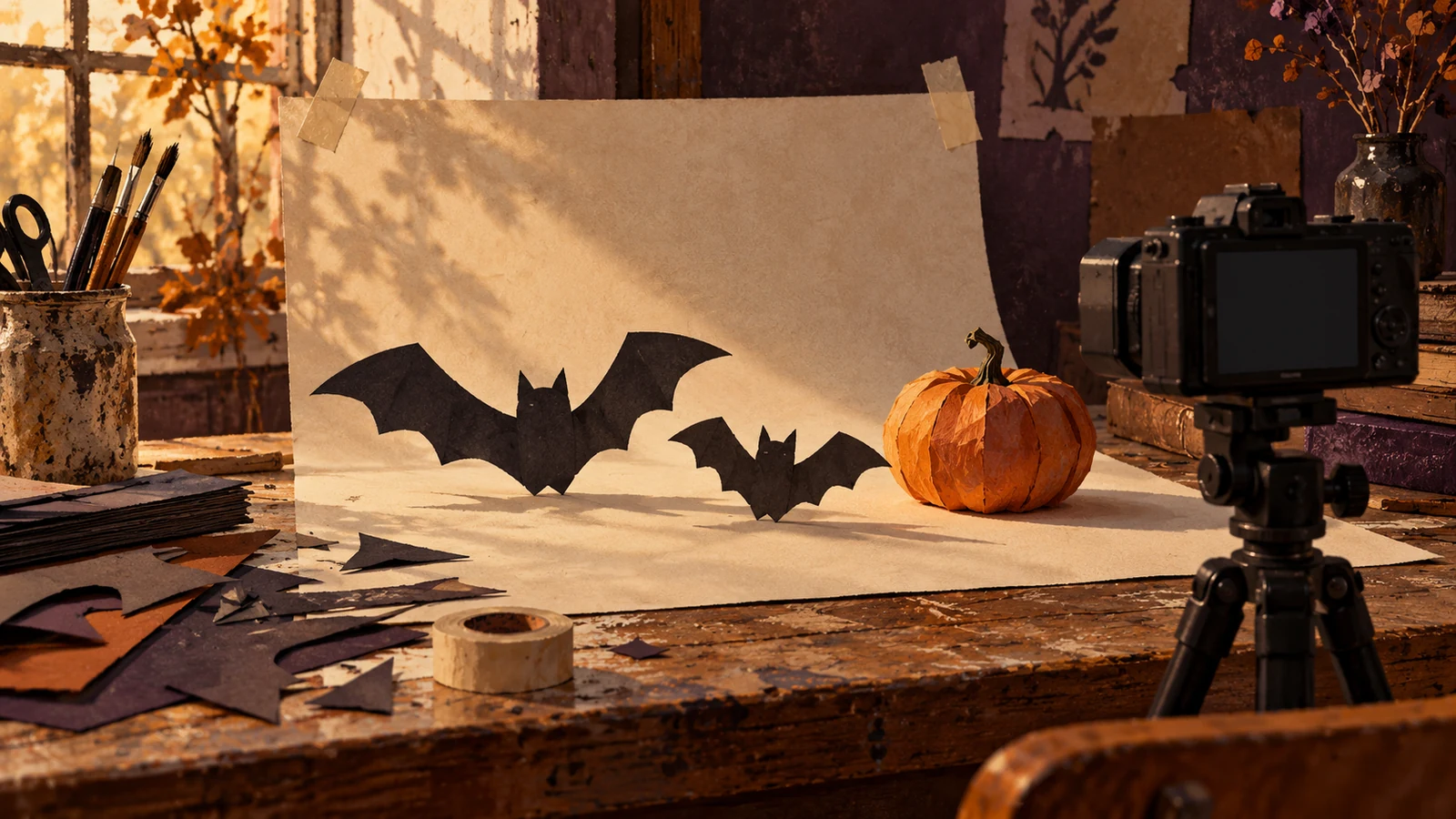
Another option is an object-based return: show the decorated pumpkin, push toward its dark opening and begin again on a close dark frame. Use a transition only when the action supports it. A forced return that removes useful information is less valuable than a clean ending that invites a manual replay.
Give viewers a complete look at the result before returning. The loop is a viewing convenience, not a reason to conceal the costume detail, recipe outcome or room arrangement that the video promised.
Repair the audio boundary independently
First choose a musical section that can repeat plausibly. A phrase ending on an unresolved note may not reconnect naturally to your opening chord. Try another section before stretching, pitching or heavily processing the sound.
For a compatible pair of excerpts, make a short overlap and audition the boundary. Audacity's official Crossfade Clips guidance describes blending adjoining clips within one track. A fade can smooth a discontinuity; it cannot establish musical compatibility or prevent every doubled beat.
Listen for an extra kick, a missing pulse, a level dip and a reverb tail that abruptly disappears. The correct fade length depends on the material. There is no universal duration that makes every Halloween track seamless.
Choose the licensed excerpt before finishing
Disclosure: Angry Media operates STIS and publishes TrackBrief. The seasonal STIS album linked below can be auditioned alongside other licensed music for a suitable reveal accent and repeatable passage. Do not assume a product supplies loop-ready files, separate stems or unlimited uses unless its actual documentation says so.
STIS spooky season halloween sounds
Save the selected audio, license and exact excerpt notes with the project. If you substitute a different version later, recheck both musical alignment and permission.
Test three consecutive plays
Export the complete video and watch it three times in succession. Inspect the seam on the second and third pass, when anticipation makes a jump easier to notice. Test with sound muted as well: the action should still explain the transformation.
If an important sound carries a story clue, represent it in captions using W3C's caption guidance. Finish with a sequence whose reveal remains useful and whose repeat feels like a considered continuation.
The guide to making music loops intentional extends this boundary check to longer creator projects.