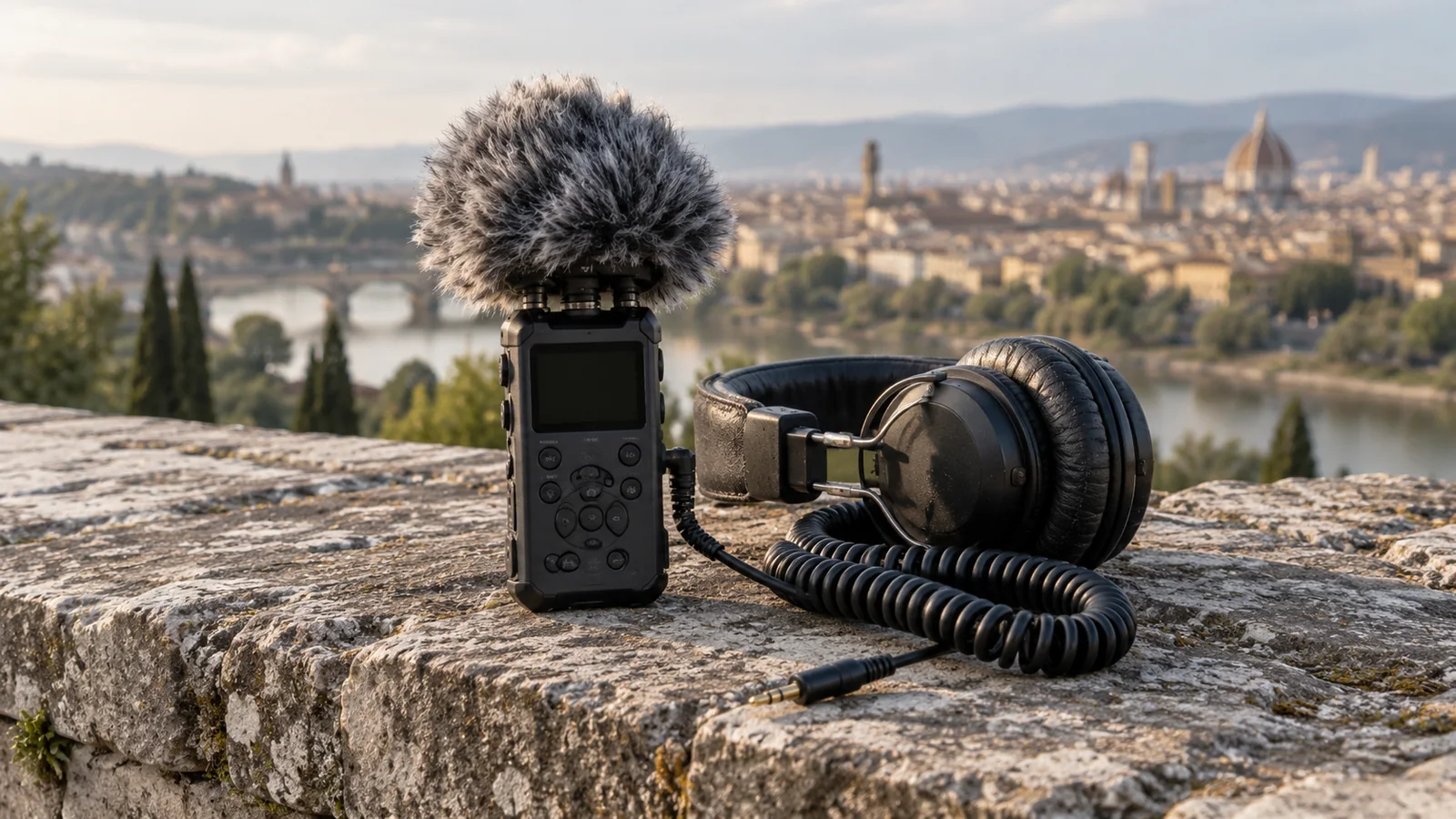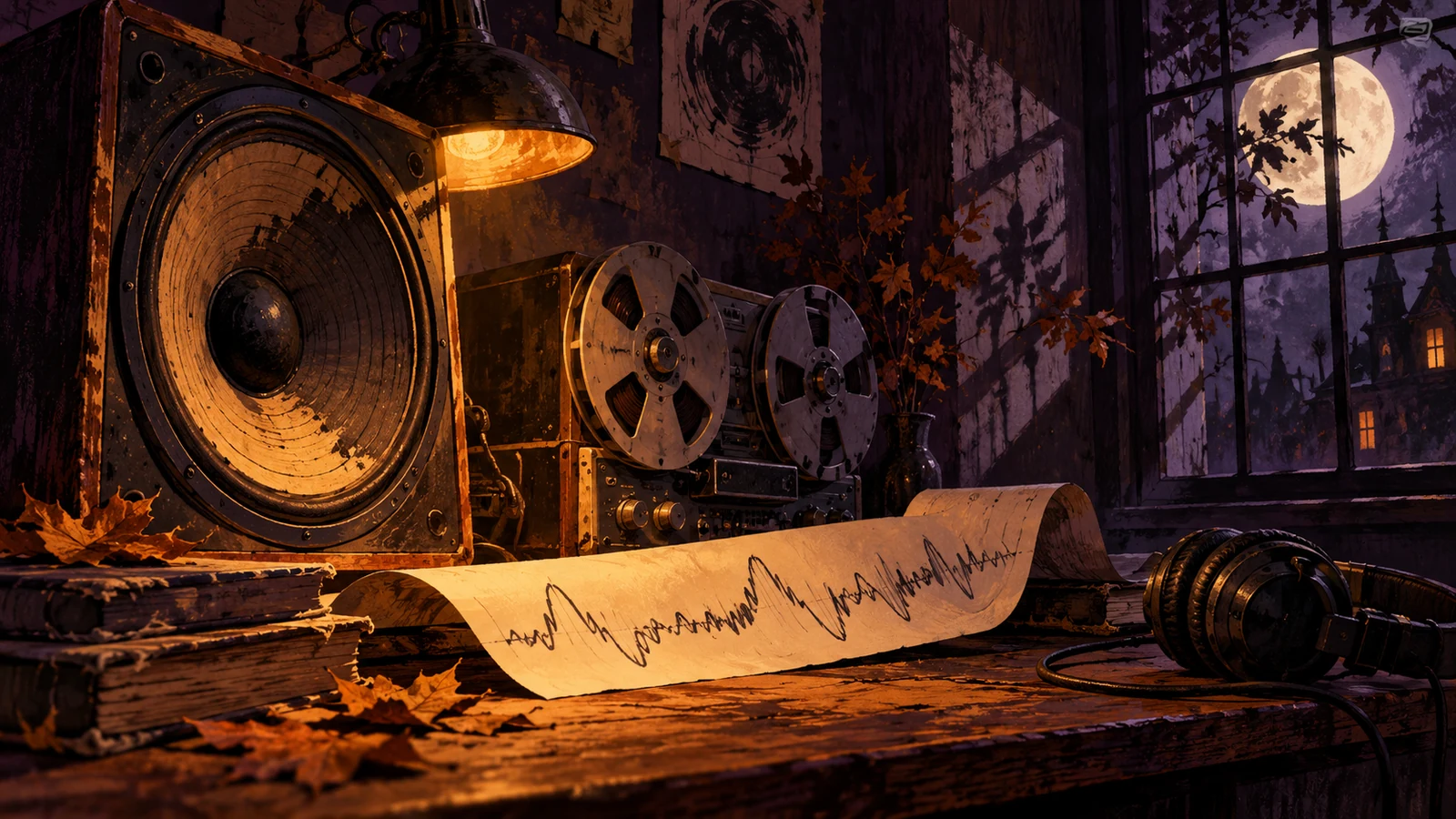
Layering makes a Halloween scene more convincing when each sound has a distinct job. A room tone establishes a place, music suggests an emotional direction and a specific effect draws attention to an event. Problems begin when all three try to announce danger continuously. The narrator then has to compete with a soundtrack that leaves no breathing space.
Build the mix around a foreground hierarchy. In a narrated ghost-story video, the words carry the story until a relevant sound briefly takes over. In a prop demonstration, the mechanism itself may be the foreground. Determine that hierarchy before opening an effects library.
Start with the voice alone
Listen to the narration without music or effects. Repair distracting edits, inconsistent clip levels and accidental gaps first. Leave expressive pauses when they serve the delivery. A dramatic pause is not empty space that must be filled with a riser.
Mark every sentence that includes an important name, instruction or plot clue. Those points need especially clean listening conditions. Keep a copy of this voice-only version for comparison; if a later mix is harder to understand, the added layers need revision rather than another increase in overall volume.
Give the three layers separate roles
Use a sustained background only if the location needs continuity. Record your own room tone when practical and permitted: the quiet character of an actual hallway often fits the picture better than an unrelated wind effect. An effects recording should be licensed or genuinely yours, even if it is only a brief creak.
| Layer | Job | Example in a fictional hallway scene | Reason to remove it |
|---|---|---|---|
| Environmental bed | Establish continuity | Low, steady room sound | It masks quiet words without adding place |
| Musical bed | Shape anticipation | Sparse unresolved texture | It duplicates the environmental bed's movement |
| Event effect | Identify a story event | A latch clicks after the narrator stops | It appears before viewers understand the event |
Separate tracks make these decisions easier. If a purchased soundtrack already contains loud hits, adding more hits can create two competing versions of the same reveal. Audition the soundtrack's complete passage before layering around it.
Build tension through changing information
Imagine a twenty-second fictional sequence. The narrator describes an empty room. A quiet bed remains steady. A sentence ends, the camera holds on a door and a single latch sound enters. Only then does the music change. These timings are a worked example, not a recipe for a particular runtime.
The scene becomes tense because viewers receive new information in a controlled order. Making the music louder every second is a cruder substitute. Try introducing one new texture, narrowing the arrangement or temporarily removing a layer. A brief reduction can make the next event more noticeable without a large jump in volume.
Let a visible action have a natural sound when that helps orientation. If a handle turns in total silence but an unrelated thunder effect arrives, the scene may feel disconnected. You can choose stylization, but make it a deliberate storytelling choice rather than a pile of seasonal effects.
Duck music with editable intent
In Premiere, Adobe documents automatic ducking as a way to create level changes around foreground audio. Review the result manually. A tool can identify speech activity, but it does not know which pause belongs to your reveal.
Ease the music down before a soft word and let it recover at a meaningful sentence boundary. If the level bounces on every breath, use fewer, gentler changes. Keep effects under separate control so that lowering the music does not unexpectedly expose an overly loud knock.
Choose a bed that leaves room
Disclosure: STIS is operated by Angry Media, TrackBrief's publisher. The seasonal STIS album linked below can be auditioned for the musical layer alongside other licensed libraries or an original recording. Listen for gaps and useful transitions rather than assuming a seasonal catalogue supplies separate stems or ready-made effects.
STIS spooky season halloween sounds
Write down the exact excerpt and the permission you obtained. Keep the source recordings, editable automation and final export together. A flattened mix is useful for delivery, but the separate layers are what allow a voice revision without rebuilding the entire soundtrack.
Check the reveal and the quietest sentence
Review on a small speaker at a modest volume. Then use headphones to hear unwanted clicks and room discontinuities. Check the loudest event immediately after the quietest passage: it should advance the scene without making comfortable playback unpleasant.
Finally, explain crucial audio events in captions. W3C's guidance on captions supports including sound information needed for comprehension. A concise caption such as “latch clicks behind the door” can preserve the plot clue without describing every decorative musical texture.
If the voice remains difficult to follow, continue with balancing voice, music and sound effects before adding another seasonal layer.